Analytics
Know which posts bring visits, from Minecraft
Players online on your Minecraft Java server, read like the in-game server list. Only the address is needed.
- Access
- Read-only
- Connection
- Server address
- History
- 12 months of daily visits
- Status
- Beta
How many players are on your Minecraft server right now?
For makers who run a Minecraft Java server. upTake asks your server for its status, the same way the in-game server list does, and keeps the number of players online with the maximum, next to the rest of your project.
For example: you post a trailer for your new map. At the next sync, the Minecraft card shows how many players are online, so you can tell whether the post filled the server.
What upTake reads from Minecraft
upTake reads the number of visits per day and per source from your Minecraft site, twelve months back. This history is kept apart from the visits measured by upTake's own script: it is drawn as a dashed line on your chart, it is not counted in your numbers, and it is never used to attribute a payment.
Where Minecraft shows up in upTake
How to connect Minecraft
- You need an upTake project first; creating one takes 5 minutes.
- Click Connect on the Integrations page; a small window asks for what Minecraft needs.
- Server address: The address players type to join, like mc.example.com or 203.0.113.10:25570. Add the port only if players type it too.
- upTake checks it with Minecraft before saving it.
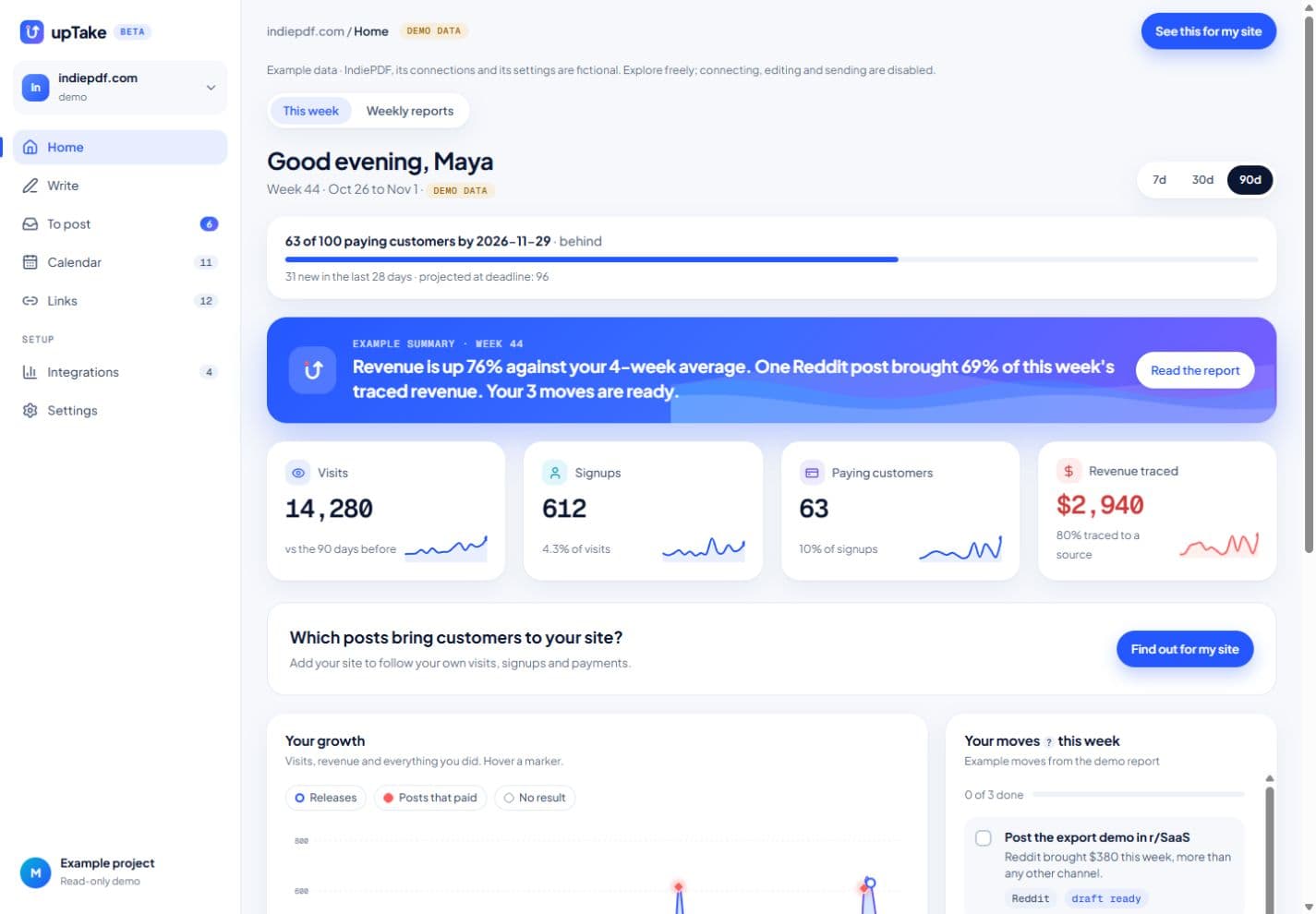
What you see afterwards
Your chart starts months before you installed upTake, so a new post can be compared with what was normal for your site, instead of with an empty chart.
Privacy and access
- No visitor-level data is imported: only totals per day and per source.
- Your visitors' IP addresses are never stored.
- Keys and accesses are stored encrypted and never sent back to your browser. Your data is hosted in the European Union.
- Disconnect Minecraft at any time: upTake stops at once, and what was imported stays until you delete it.
Questions about Minecraft
Does upTake replace Minecraft?
No. upTake imports daily visit totals from Minecraft so your chart has a history. Keep Minecraft for traffic analysis.
Is the imported history counted in my numbers?
No. It is drawn as a dashed line, kept apart from the visits measured by upTake's own script, and never used to attribute a payment.
How far back does the import go?
Twelve months, as totals per day and per source. No visitor-level data is imported.
Do I need to install a plugin or share a password?
No. Your server already answers this status request for the in-game server list. upTake only needs the address players type to join. If a plugin hides the player count, upTake tells you instead of showing zero.
Use Minecraft in your own project
Free plan · No card · 5-minute setup
Connect MinecraftSee Home in the demo →