Release v1.4Example
Xinr/Draft
Batch export is here. Select your invoices, export to CSV, done.
indiepdf.com/?ut=xAI post generation
Turn a release or an idea into a draft for each network. Review, refine and choose what to share.
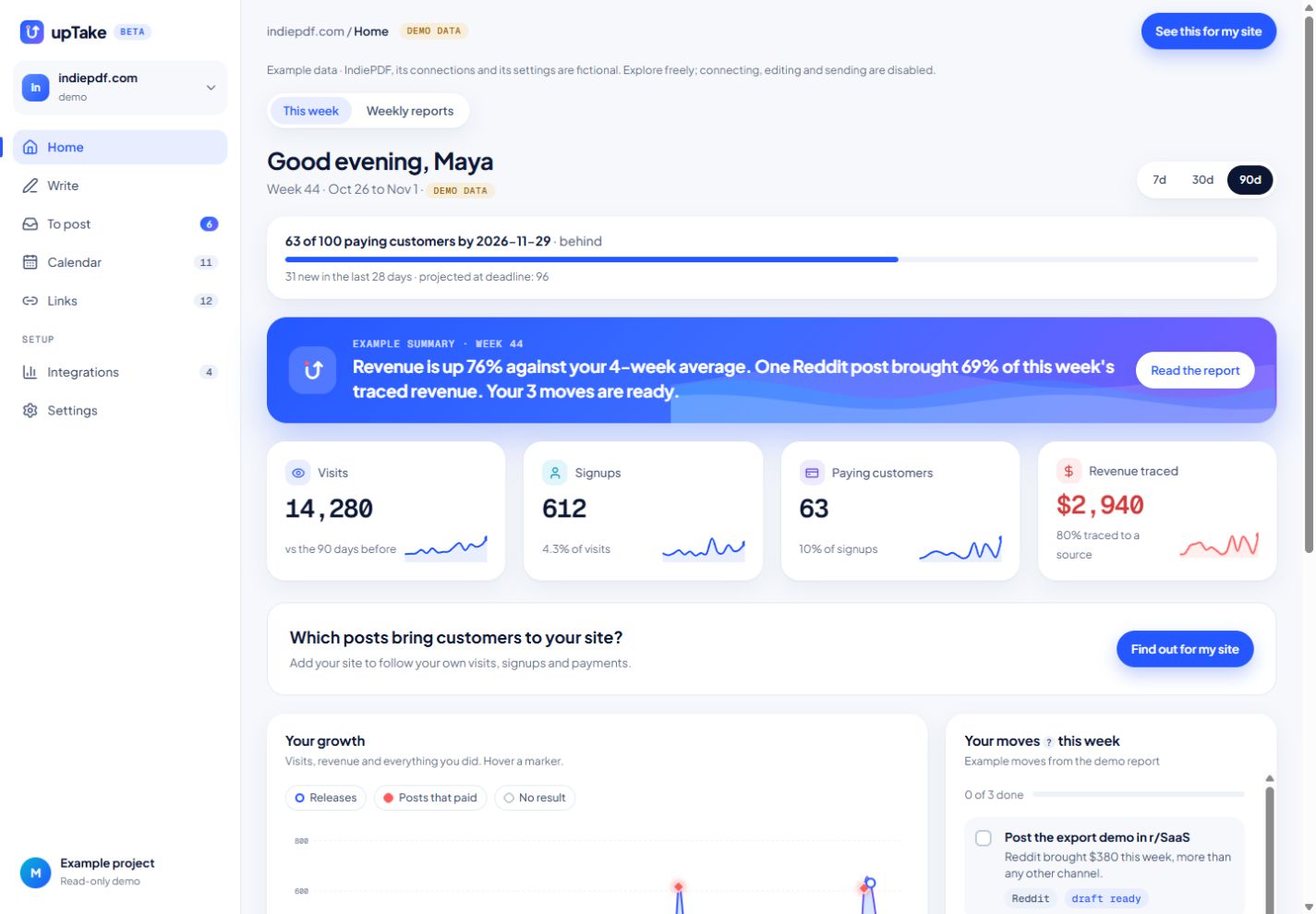
Explore Write →See which posts and releases bring visits, signups and revenue. Get a weekly report that helps you choose what to do next.
Product
Post generation, attribution, integrations and answers from your numbers, in one place.
Batch export is here. Select your invoices, export to CSV, done.
indiepdf.com/?ut=xTurn a release or an idea into a draft for each network. Review, refine and choose what to share.
Explore Write →See the visits, signups and payments attributed to your tracked activity. Estimated matches are labelled; unmatched payments stay untraced.
Try for free<script defer src="https://uptake.me/t.js" data-site="tl_8f2k">Copied ✓Add your site, install one script, then connect the tools you use. No tag manager required.
See integrations →Type a question in the top bar. The answer comes from your own visits, signups and payments, not from a guess.
See it work →Integrations
Connect your tools where supported. For channels such as Reddit, a tag on your own link does the measuring. Open the catalogue for current availability, connection requirements and what each service provides.
What we see, and what we don'tSee it work
A closer look at the product. Pick a moment in the workflow.
6 posts from one maker. Sort them by likes, then by the revenue upTake traced to each one.
I built a PDF tool in a weekend. Here's what I learned about pricing it at $9 vs $19. A thread on what actually moved conversions.
5 lessons from launching my first SaaS. Swipe for the one nobody tells you about.
Shipped batch export to CSV. Select 50 invoices, one click, done.
Small thing: you can now drag a PDF straight onto the page. 2 users asked, it took an hour.
From 0 to 40 paying users in 6 weeks, numbers inside.
I made a tiny tool to sign PDFs without uploading them anywhere. Would love blunt feedback.
Example These posts and their numbers come from the demo project. upTake does this for every post you track.
Pricing
Cheaper than one wasted week of posting. Start free, upgrade when it pays for itself.
Try it on one project.
One maker, one product.
Several products, or a lot to say.
Every account starts with 14 days of Pro, no card needed. Then Free, with all your data.
GitHub
When you ship a release or merge a PR, upTake drafts a post for each channel, with your own link tagged for that channel. Your next report tells you whether anyone came.
No. upTake only reads release notes, pull request titles and commit messages, on the repositories you pick. Your code is never read or stored.
Yes. Without Stripe, upTake tracks signups or your waitlist instead.
They tell you where visitors came from. upTake tells you which of your posts, launches and releases caused it, and what to do next.
Visits come from the upTake script on your site and from tagged links like yourapp.com/?ut=reddit, which work on Reddit, X, LinkedIn, Indie Hackers, newsletters, QR codes and anywhere else you can paste a link. Payments come from Stripe or another payment connector, such as Lemon Squeezy, Paddle, Polar or Gumroad. Releases come from GitHub. Some channels also connect directly; the Integrations page lists each one and what upTake reads from it.
The script sets no cookie and upTake never stores IP addresses. The data is hosted in the European Union. An option that remembers returning visitors for 90 days exists; it is off unless you turn it on.
Log them in one click. upTake estimates their effect from the traffic their channel sent in the following 72 hours.
Yes, in one click. You can export all your data first.
Paste your URL. upTake reads your site and sets up your project in 5 minutes.
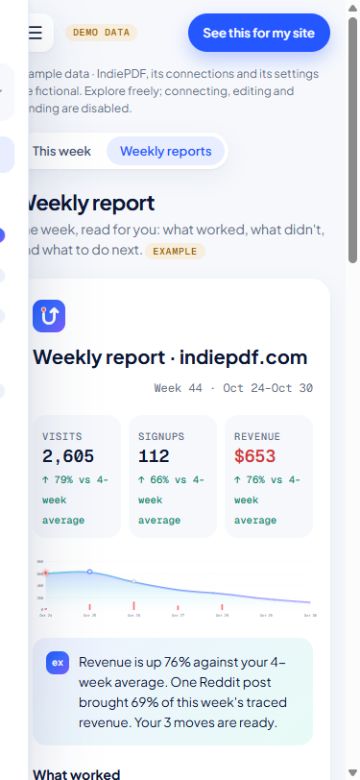
Weekly report · indiepdf.com Week 41 Example